
Internet Speed Test: How Fast Is Your Connection?
Run a free internet speed test to check your download and upload speed in seconds. Press start – no app or sign-up needed.
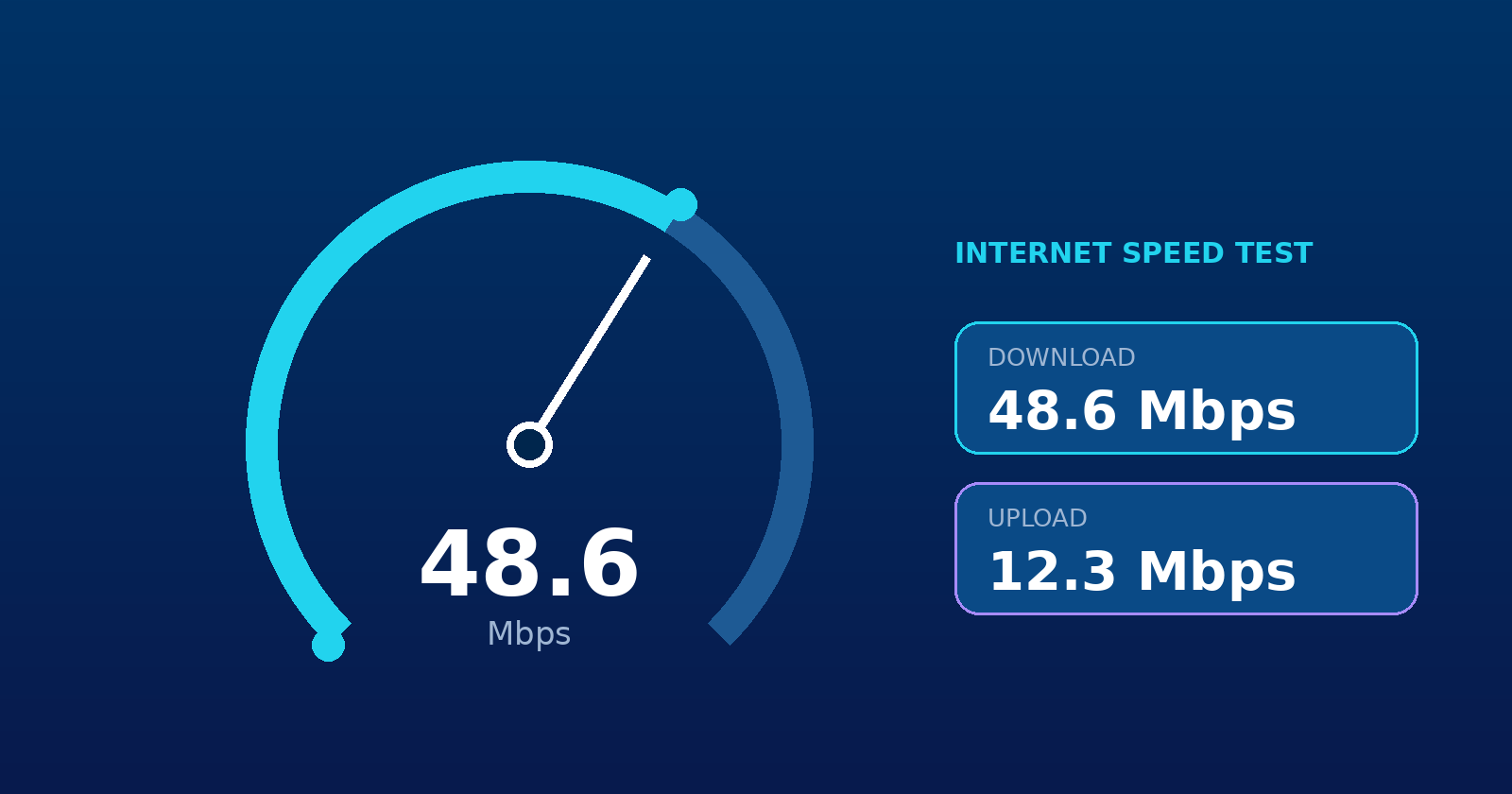
Why run an internet speed test?
An internet speed test shows how quickly your connection sends and receives data. Running a free internet speed test helps you confirm you get the speed you pay for, find out why video calls stutter, and decide whether it is time to upgrade your plan or fix your Wi-Fi. If you want to explore more of our tools, visit our home page.
What is a good internet speed test result?
Speeds are measured in megabits per second (Mbps), and you can read more about data rate units on Wikipedia. A higher number means a faster connection. As a guide, Netflix recommends at least 3 Mbps for HD, 5 Mbps for full HD and 15 Mbps for 4K video, per stream. Add up what everyone in your home does at the same time:
- Browsing and email1 to 5 Mbps
- HD video streaming5 to 10 Mbps per device
- Video calls3 to 8 Mbps download and upload
- Online gaming10 to 25 Mbps with low latency
- Busy household100 Mbps or more with many devices
Download speed vs upload speed
Download speed
How fast data reaches your device. It affects streaming, browsing and downloading files.
Upload speed
How fast you send data out. It matters for video calls, cloud backups and sharing large files.
Most home plans have a much faster download than upload, so a lower upload result is normal.
How to get an accurate internet speed test
For the most reliable internet speed test, follow these steps:
- Connect your device with an Ethernet cable, or stand close to your Wi-Fi router.
- Pause downloads, streaming and cloud backups on all devices.
- Turn off any VPN while you test.
- Run the test two or three times and compare the results.
Results vary between different speed tests because each one uses different servers, so always compare tests on the same device and network.
Internet speed test FAQ
Why is my internet speed test result lower than my plan?
Wi-Fi signal strength, other devices using the connection, an old router, a VPN, and network congestion can all lower your result. If a wired connection is still slow, contact your provider.
How often should I test my internet speed?
Test whenever your connection feels slow, and once a month to spot problems early. Testing at different times of day shows whether evening congestion affects you.
Does the internet speed test use a lot of data?
Yes. The test transfers data for about ten seconds in each direction, which can be 100 MB or more on a fast connection, so be careful on limited mobile data.