Knowing how to make your phone battery last longer can save you a daily trip to the charger. You do not need special apps or a new phone. These ten simple habits cut battery drain on any Android phone, and they cost nothing.
Because prices move often, we checked them on 2 November 2026
How to Make Your Phone Battery Last Longer: 10 Ways
First, here is the short list. Each tip works on its own, but together they can add hours to your day.
- Lower the screen brightness, or use auto-brightness.
- Turn on dark mode, especially on an AMOLED screen.
- Use a lower refresh rate when you do not need smooth motion.
- Close apps that run in the background all day.
- Turn off location for apps that do not need it.
- Switch off Bluetooth, Wi-Fi and hotspot when you are not using them.
- Use Wi-Fi at home instead of mobile data when you can.
- Set a shorter screen timeout, such as 30 seconds.
- Keep your phone updated, since updates often fix battery bugs.
- Avoid heat, and do not charge in a hot place.
Screen Settings Matter Most
The screen is the biggest battery user. Lower brightness helps the most. Also, an AMOLED screen switches off black pixels, so dark mode saves real power. Read our guide to AMOLED vs IPS LCD to see why.
A high refresh rate also costs battery. You can drop a 144 Hz phone to 60 Hz when you need longer use. Our refresh rate guide explains the trade-off.
Charging Habits That Help
Avoid letting the battery fall to zero again and again, and avoid holding it at 100 percent for hours. Many phones have a protected charging mode that does this for you. In addition, use the charger from the box.
If you charge overnight, the optimised charging option waits and finishes just before you wake up. Our guide on fast charging covers the safe way to do it.
When a Bigger Battery Is the Answer
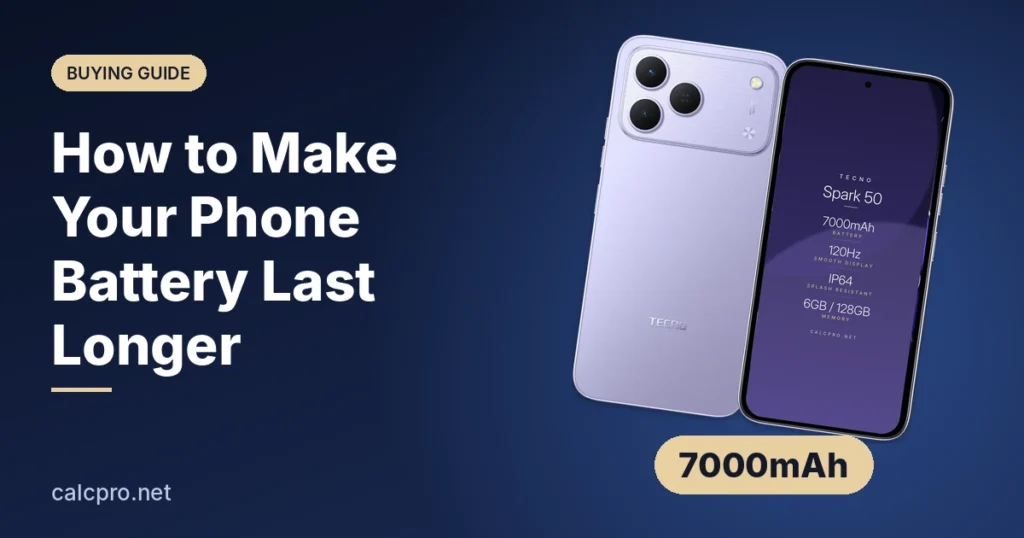
If your phone still dies early, the real fix may be a bigger battery. The Tecno Spark 50 has 7000 mAh, and the Camon 50 has 6500 mAh. Both last much longer than the usual 5000 mAh phone. You can also see our list of the best phones under 75000.
Signs Your Battery Is Wearing Out
If your phone loses power quickly after a year or two, shuts down at 20 percent or gets hot while charging, the battery may be worn. In that case, ask the brand’s service centre about a replacement. Do not use cheap, uncertified batteries.
Apps That Drain Battery Fast
Social media, video and games use the most power. Open the battery section in Settings to see which apps use the most. If one app uses far more than you expect, restrict its background use or uninstall it.
Also, apps that keep your location on, sync often or send many notifications add up. Turning off what you do not need can give you an extra hour or two.
Battery Myths
Many people think that closing all apps, using task killers or charging only to 80 percent is essential. In reality, modern Android manages apps well, and extreme habits help little. The biggest gains still come from the screen, location and heat.
Focus on the simple tips above before you try apps that promise miracles.
Tips Before You Buy
- Start with the screen. Brightness and refresh rate give the biggest saving for the least effort.
- Use official parts. Charge with the box charger, and replace a worn battery at an official service centre.
- Choose a bigger battery next time. Use our compare mobiles tool to compare battery sizes before your next phone.
Keep Reading
Phone Battery FAQs
Does dark mode save battery?
Yes, but mostly on AMOLED screens, where black pixels switch off. On an IPS screen the saving is small, so brightness matters more.
Should I close all my apps?
Not all the time. Modern phones manage background apps well, but closing apps that run heavily in the background can help. Check the battery section in Settings to find them.
Is it bad to charge my phone overnight?
Not on modern phones, which stop at 100 percent. Using protected or optimised charging reduces wear even more, so turn it on if it is available.
How long should a phone battery last?
Most batteries stay healthy for two to three years of daily use. After that, you may notice shorter battery life, and a replacement at an official service centre can help.
Note: Because prices and stock change daily, treat the figures as estimates for general information. However, you can open each phone page above for full specs and the latest price.